
Smart Home
Outdoor Wi-Fi for Jersey Shore Homes: Cover the Deck, Pool, and Dock
Hristo Stefanov, Izzo Network · October 19, 2026
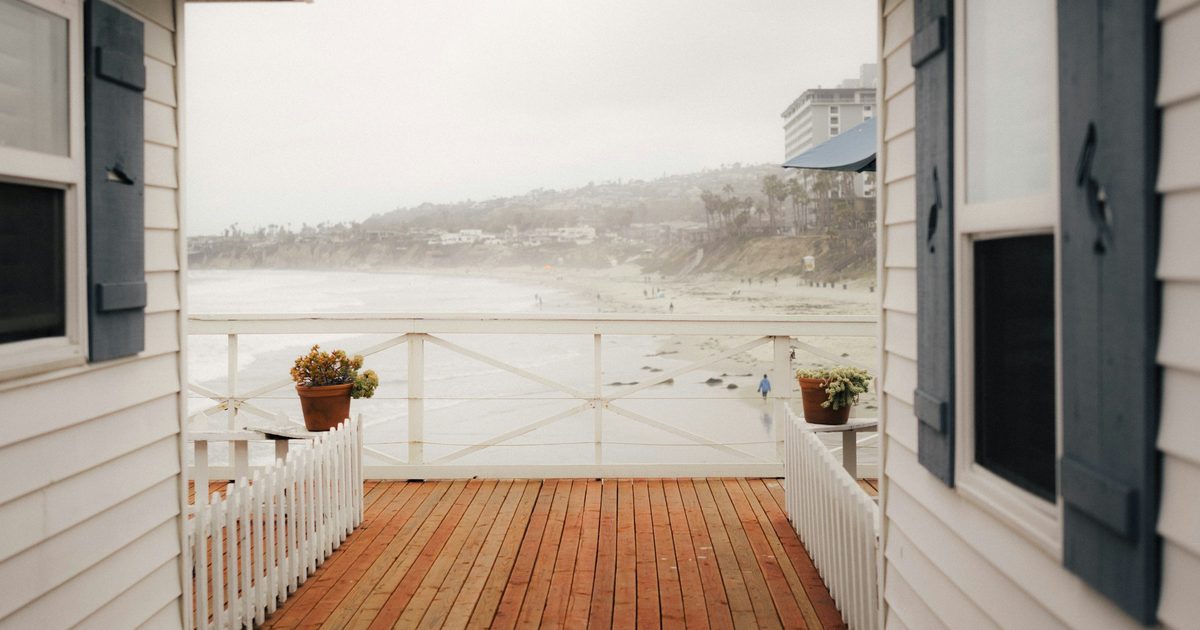
The living room streams fine, but step onto the deck and the music cuts out, the pool camera goes offline, and the phone drops to one bar on the dock. That is normal for a Jersey Shore house. Indoor Wi-Fi is built to stay inside, and shore homes add stucco, low-E glass, raised decks, and long backyards that run toward the water. Outdoor Wi-Fi done right gives you a steady signal on the deck, by the pool, at the outdoor shower, and down at the dock, plus reliable connections for cameras, lights, and speakers outside. Here is how it works for homes and second homes from Brigantine and Ventnor to Ocean City, Sea Isle, and Cape May.
Why indoor Wi-Fi fades outside a shore house
Several things work against a router tucked in a closet:
- Exterior walls and windows block signal. Stucco over metal lath, brick, and energy-efficient coated glass all cut Wi-Fi sharply.
- Raised and multi-level homes put the router a floor or two away from the deck, the pool, or the yard below.
- Distance adds up fast. A dock or a back fence can sit well past what an indoor router reaches with any strength.
- Phones and outdoor gear are weaker transmitters than the router, so you may see bars but still get dropped calls and frozen video.
Where outdoor coverage matters most
Think about how the house is actually used in season:
- Decks and rooftop decks for streaming music, video calls, and working outside.
- Pool areas and outdoor kitchens for speakers, smart lighting, and pool equipment apps.
- Docks and boat lifts for cameras, lift controls, and checking the weather before heading out.
- Driveways, side yards, and entrances where outdoor cameras and video doorbells need a solid connection to record reliably.
- Detached garages, cabanas, and guest suites that need their own coverage.
What a good outdoor Wi-Fi setup looks like
Reliable outdoor coverage usually comes from a few planned pieces instead of one stronger router:
- Weather-rated outdoor access points mounted under eaves or on the house, aimed at the deck, pool, or dock.
- Wired backhaul. Each access point gets an Ethernet cable back to the network, often powering the device over the same cable (PoE), so the signal is not weakened by relaying wirelessly through walls.
- One network name across the property, so phones hand off smoothly from the kitchen to the deck without reconnecting.
- Point-to-point links when a dock, garage, or cabana is too far to run cable, using a pair of small outdoor radios to bridge the gap.
- A separate network for cameras and smart devices, and a guest network for renters and visitors, so a guest's phone never sits on the same network as your cameras.
Built for salt air and storms
Shore conditions are hard on electronics, so the details matter:
- Pick outdoor-rated gear designed for moisture and temperature swings, and mount it under an overhang when possible.
- Seal cable entries with drip loops and weatherproof boots so water does not follow the wire into the wall.
- Use outdoor-rated, UV-resistant cable for any run that is exposed to sun.
- Add surge protection and battery backup for the network gear indoors, so a storm does not knock the whole system offline.
- Plan for flood zones. Keep network equipment above likely water levels, especially in raised homes where the ground floor is storage or parking.
Get help from a local smart home installer
Izzo Network designs and installs whole-home and outdoor Wi-Fi, hardwired cameras, and smart home systems for Jersey Shore homes, rentals, and second homes, from Mays Landing, NJ 08330 across Atlantic and Cape May counties. Call or text (609) 415-0011, or use the contact form, to plan coverage that reaches the deck, the pool, and the dock before next summer.
FAQ
Can I just buy a stronger router to cover the deck?
Usually not. The router may reach farther, but your phone and outdoor devices still have to talk back to it through walls and glass. An outdoor access point closer to where you use it works much better.
Do outdoor access points need power outlets outside?
Not usually. Most outdoor access points run on Power over Ethernet, so one network cable carries both data and power from equipment inside the house.
Can Wi-Fi reach a dock that is far from the house?
Yes, in most cases. If running cable is not practical, a pair of outdoor point-to-point radios can link the house to the dock, and a small access point there covers the dock itself.
Will outdoor Wi-Fi help my security cameras?
Yes. Cameras on the edges of the property often drop offline because of weak signal. Better outdoor coverage, or running cable directly to hardwired cameras, keeps them recording reliably.
Want help with your own house? Call (609) 415-0011 (Mon–Fri 8am–6pm) or send a short note.